Samsung TV Keeps Changing Volume? How to Disable Active Voice Amplifier (AVA)
Is your Samsung TV automatically changing the volume? Learn how to disable the Active Voice Amplifier (AVA) feature in your settings to reclaim control.
Understanding the 'Ghost' Volume Adjustments on Your Samsung TV
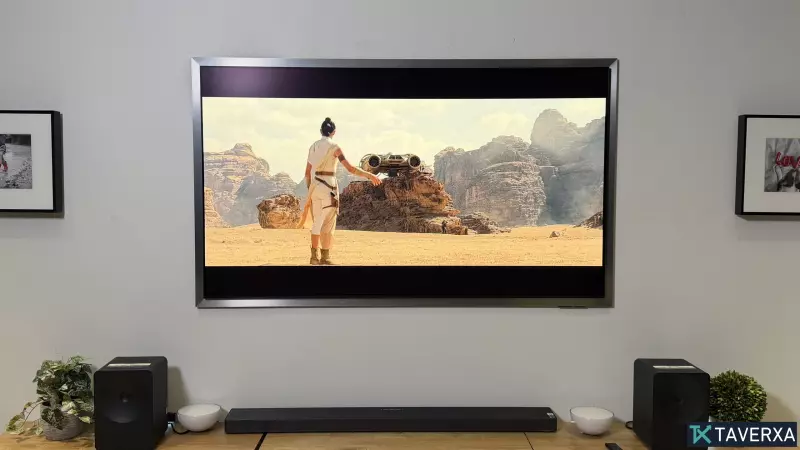
If you have ever been watching a movie or show on your Samsung television, only to find the volume inexplicably surging or dropping when you start a household chore, you are not experiencing a malfunction. This behavior is actually a sophisticated, albeit sometimes intrusive, feature known as Active Voice Amplifier (AVA).
What is Active Voice Amplifier (AVA)?
Active Voice Amplifier (AVA), and its more advanced version, AVA Pro, are integrated audio technologies found in many mid-to-high-range Samsung TVs, typically starting from the Q70 series and higher.
Designed as part of Samsung’s "Intelligent Mode," these sensors use a built-in microphone to monitor the ambient noise levels in your environment in real-time. If the system detects a sharp increase in background noise—such as a vacuum cleaner, dishwasher, or blender—it dynamically boosts the volume of dialogue frequencies to ensure you don't miss any critical lines of speech. Once the environmental noise subsides, the TV automatically recalibrates the sound to its original level.
The Privacy Trade-Off
While this feature is marketed as a convenience for multitaskers, some users find it unsettling. For the system to instantly react to a household appliance, the TV’s internal microphone must remain constantly active and attentive to the audio environment of your living room, which raises questions about device privacy.
A Note on External Audio Systems
It is important to note that if you are using an external soundbar or an AV receiver, the TV usually disables AVA by default, passing control over to your hardware. However, if you are using a Samsung soundbar with Q-Symphony functionality, the system will keep the microphone active to allow the feature to function across your integrated soundbar and TV setup.
How to Disable Active Voice Amplifier
If you prefer to manually control your volume and find these automatic jumps distracting, disabling the feature is straightforward:
- Use your Samsung remote to press the Home button.
- Navigate to Settings (or All Settings).
- Scroll down and select General (on newer models, you may need to look for General & Privacy).
- Select Intelligent Mode Settings.
- You can choose to turn off Intelligent Mode entirely, or simply toggle off Active Voice Amplifier to stop the automatic volume adjustments.
Note: If the option appears greyed out, verify that you are using the internal speakers, as external devices may have already bypassed this setting automatically.