
My phone kept overheating at the beach — here's how I fixed it (and prevented permanent damage)
Don't let your phone die in the sun. Discover expert-backed tips to safely cool down your smartphone at the beach and avoid permanent battery damage.
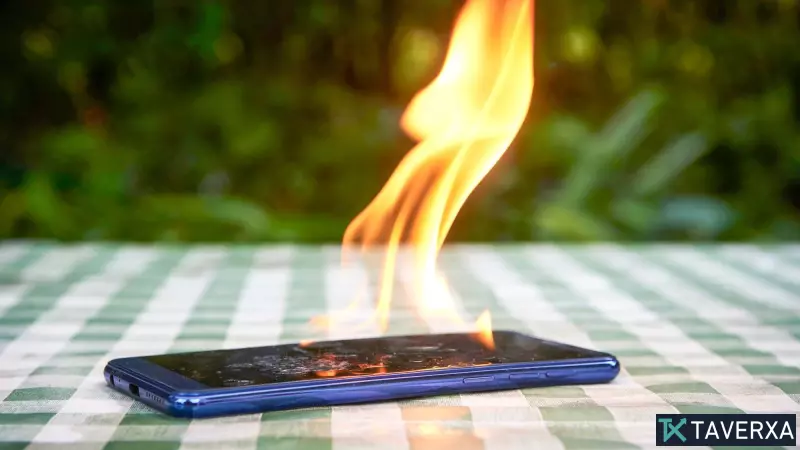
The Beach Day Tech Nightmare
There is nothing quite as frustrating as heading to the beach for a relaxing day, only to have your smartphone betray you. On a trip to Malaga last year, I found myself in this exact situation. I forgot my book, intending to use my phone for some light reading and photography, but the intense heat quickly took its toll. Within minutes of setting up my towel, my device displayed an urgent 'overheating' warning and promptly shut down to protect its internal components.
Why Your Phone Overheats in the Sun
Smartphones are marvels of engineering, but they are not designed to withstand direct exposure to high temperatures. When a phone is exposed to intense sunlight or high ambient temperatures, the internal battery and processor struggle to dissipate heat. Most modern smartphones have built-in safety mechanisms that force a shutdown when they reach critical temperature thresholds to prevent permanent hardware damage or battery swelling.
Essential Steps to Protect Your Device
If you find yourself in the same situation, do not panic. Here are the most effective ways to manage your device's temperature:
- Remove the Protective Case: Most phone cases, especially those made of silicone or thick plastic, act as insulators. Stripping the case allows the device's metal or glass body to vent heat more efficiently into the surrounding air.
- Activate Low Power Mode: By reducing the processing load and turning off unnecessary background tasks, you generate less internal heat. This is a critical step if you need your phone to stay operational for a short period.
- Disable Unused Functions: High-drain activities like GPS navigation, gaming, or streaming video at high brightness are guaranteed to push your internal components to their limits. Turn off Bluetooth, Wi-Fi, and any power-hungry apps to alleviate the stress.
- Avoid Fast Charging: It might be tempting to plug your phone into a portable power bank, but fast charging causes a chemical reaction in the battery that generates significant heat. Avoid charging altogether until the phone is back to a safe operating temperature.
- Seek Total Shade: This is the most obvious but most important rule. Keep your device under an umbrella or wrapped in a light-colored towel, away from direct sunlight.
The 'Don'ts' of Cooling Your Phone
It is tempting to place an overheated phone on an ice pack or stick it in a cooler. Do not do this. Rapid cooling causes two major problems: it creates internal condensation due to the sudden temperature shift, which can fry your motherboard, and it can cause the lithium-ion battery to suffer from thermal shock, which may lead to permanent capacity loss or dangerous swelling.
Instead, use a natural approach. Place your phone on a hard, cool surface in a shaded area and use a portable fan to gently blow air over it. This allows the heat to dissipate safely and gradually, ensuring your phone survives the summer heatwave intact.


