
Mastering OpenClaw: How to Set Up the New Official Mobile App
Learn how to set up the new official OpenClaw mobile app on your iPhone or Android, including tips for syncing your calendar, contacts, and using voice notes.
A New Frontier for OpenClaw Users
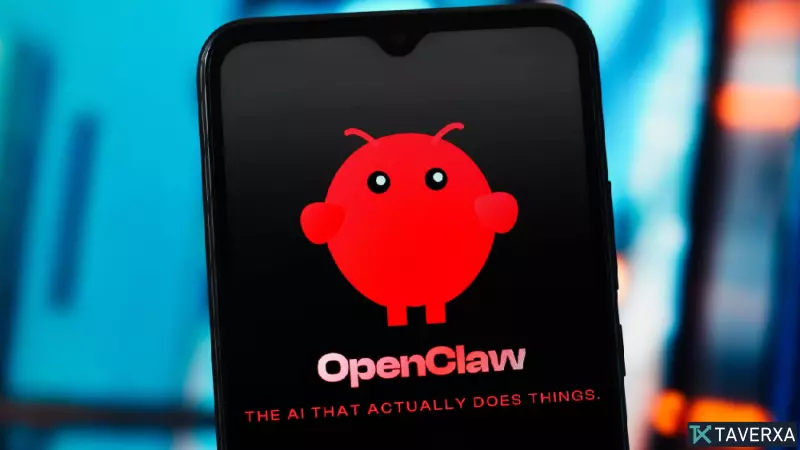
The release of an official OpenClaw mobile app for iOS and Android marks a significant milestone for the always-on AI agent platform. Previously, users relied on third-party messaging integrations like Discord or Telegram, but this native mobile experience offers a more direct, streamlined connection to your personal agent, enabling real-time interaction without the middleman.
Getting Started: The Setup Process
Before downloading the app, it is important to remember that the mobile interface is a companion tool. It does not replace the primary gateway running on your computer or server; your central device must remain powered on for the mobile app to function.
Step-by-Step Installation:
- Download: Grab the official app from the Apple App Store or Google Play Store.
- Pairing: Upon launching the app, follow the on-screen prompts. The most efficient method is to scan the QR code generated by your desktop OpenClaw CLI. If you lack the code, you can use your secret token by executing 'openclaw dashboard --no-open' on your desktop.
- Permission Configuration: Once paired, you will need to grant access levels. Be mindful of what you share, as permissions determine the agent's capability to access your contacts, calendar, and location.
- Final Activation: After confirmation, tap 'go to chat' to begin interacting with your agent.
Maximizing Mobile Functionality
The true power of the OpenClaw mobile app lies in its hardware integration. By utilizing your smartphone's native camera and microphone, you can bridge the gap between physical interactions and digital task management.
Pro-Tips for Power Users:
- Voice & Visuals: Send voice notes or photos directly to your agent to capture fleeting ideas or visual references on the fly.
- Calendar Syncing: Unlike traditional cloud integrations, the OpenClaw mobile app reads your device’s native calendar, allowing for more intuitive query responses based on your current agenda.
- Notification Forwarding (Android): A standout feature for Android users is the ability to forward phone notifications to the agent, ensuring you never miss an update while away from your primary terminal.
While some features like the experimental 'voice-wake' function may still be in development, the core experience provides a robust way to bring your AI agent into the real world.


