Les Sims 4: How to Claim Your Free Weekly Content Packs
Discover how to claim the latest free content packs in The Sims 4. We break down the weekly summer reward schedule and guide you through the simple steps to download these creator-made items.
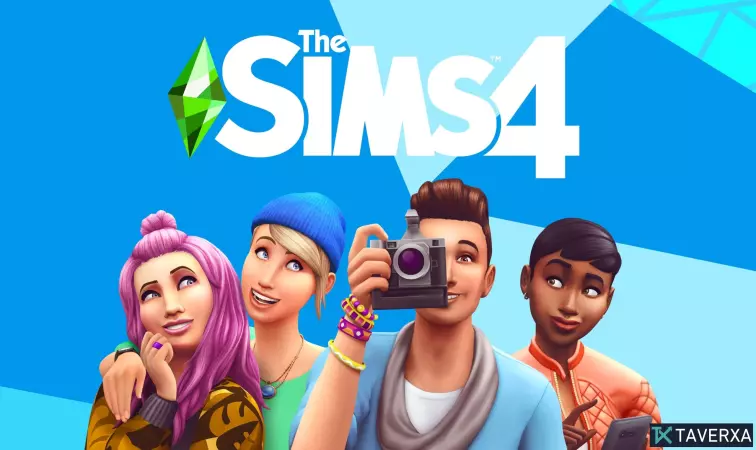
While the simulation genre faces new competition from titles like the highly successful Paralives, Electronic Arts and Maxis continue to keep their community engaged with a generous summer campaign for The Sims 4. As the studio works behind the scenes on the future of the franchise, they are currently offering a series of weekly content drops that every player can claim at no extra cost.
Summer Weekly Rewards
Until July 23, 2026, Maxis is releasing special 'Creator Packs' to celebrate the summer season. These packs feature custom content curated by members of the community, ranging from stylish apparel to home decor items.
The latest drop includes a pair of stylish swimwear—offered in both feminine and masculine cuts—designed by creator Boschiana, available in various color swatches. To complement your summer vibe, the update also includes a modern bed set and a decorative wall plant from creator Syboulette, ensuring your Sims can relax in style. These items offer extensive customization, with up to 12 color variations for the bed and multiple pot shades for the greenery.
Full Schedule of Content
If you have missed out on previous drops, don't worry—they are still available for collection. Here is the remaining roadmap for the current promotion:
- June 11 – July 9: Seating by Taurus & Velvet Bow Heels by Miiko
- June 18 – July 18: Japandi Bedroom by SixamCC & Monolith Office Collection by ValiaSims
- June 25 – July 23: Swimwear set by Boschiana & Decor pack by Syboulette
- July 2 – July 30: Upcoming mystery packs
- July 9 – August 6: Upcoming mystery packs
- July 16 – August 13: Upcoming mystery packs
How to Redeem Your Free Items
Claiming these rewards is straightforward. Follow these steps to ensure you don't miss out:
- Launch The Sims 4 and access the 'Marketplace' via the Main Menu, Live Mode, Build Mode, or Create-A-Sim.
- Navigate to the 'Discover' page or the 'Browse' tab.
- Apply the 'Free' filter to quickly locate the creator content.
- Select the desired pack. Even though it is free, you may need to click 'Purchase' or 'Add to Collection' where the price is listed as 0.
- Confirm the transaction, wait for the download to complete, and restart your game to see the new items in your inventory.