
iOS 27 Beta 5: Refined Icons, Enhanced Siri Voices, and New Search Features Detailed
Apple has released iOS 27 beta 5, featuring new app icons, expanded Siri voice customization, improved search animations, and enhanced system-wide battery diagnostics.
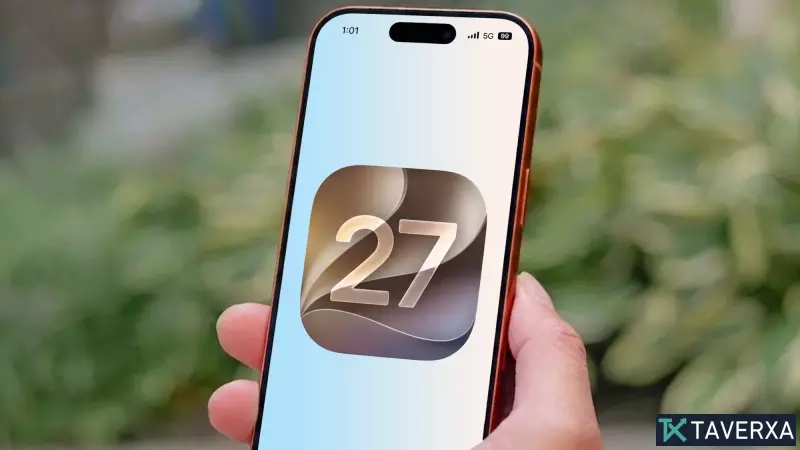
As Apple edges closer to the final release of iOS 27, expected ahead of the highly anticipated September event featuring the iPhone 18 series, the company has rolled out its fifth developer beta. This latest iteration continues the refinement process, bringing subtle but meaningful updates to the user experience, aesthetic design, and system performance.
Refined App Aesthetics
One of the most immediate changes in this beta is the introduction of updated 'Liquid Glass' design elements for several core system applications. Apps including Safari, Siri, Settings, and the App Store have received visual tweaks. Notably, Safari now boasts a brighter blue hue and more intricate compass iconography, while the Siri interface has been updated to better align with the interactive 'bubble' animation seen during voice commands. Furthermore, the Preview app features an entirely new design, signaling Apple's commitment to visual consistency across its ecosystem.
Upgraded Siri Expressivity
Apple continues to push the boundaries of AI-driven voice interaction. In this fifth beta, the company has expanded the customization options for Siri’s expressive voices. Users can now adjust 'Pace' and 'Expressivity' for all seven American English voices as well as the four available British English voices. It is important to note that these advanced AI capabilities are hardware-dependent, currently reserved for devices with at least 12GB of RAM, such as the iPhone 17 Pro, Pro Max, and the iPhone Air. It is widely expected that the upcoming iPhone 18 Pro, Pro Max, and the rumored iPhone Ultra will fully support these features upon launch.
Smarter Search and System Visibility
Search functionality has also received a significant overhaul. Users will notice new, more responsive animations when triggering a search, and the suggestions bar now populates instantaneously. Additionally, the Settings menu now allows for greater granular control over search results, enabling users to toggle whether App results appear and choose between displaying four or eight suggestions simultaneously.
A quality-of-life improvement for power users is the new 'last update' timestamp. By navigating to the Software Update section within the General settings, users can now view the precise time of their last system update, providing better insight into their device maintenance.
Other Notable Additions
- Expanded Wallet Functionality: The 'Create a Pass' feature, previously restricted to U.S. users, is now rolling out to other regions.
- Enhanced Contact Management: The contacts list now explicitly displays company names attached to specific contacts, streamlining organization.
- Battery Diagnostics: The battery settings menu will now proactively warn users if a weak cellular connection is draining battery life—a long-awaited feature for those in areas with spotty reception.
- Smart Replies: Mail users now have a dedicated toggle to enable or disable 'Personalize Smart Replies', which is set to 'off' by default.
- Clock Refinement: Both Alarms and Timers now utilize a thicker font, enhancing readability at a glance.
As the final launch date approaches, these updates highlight a focused approach by Apple to polish the user interface and provide deeper control over system features.


