
I tried the new Galaxy AI video tracker on my Z Fold 8 — and it fixes my biggest problem with phone videos
We tested the new Galaxy AI My FanCam feature on the Samsung Galaxy Z Fold 8 to see how it simplifies video tracking for concerts and events.
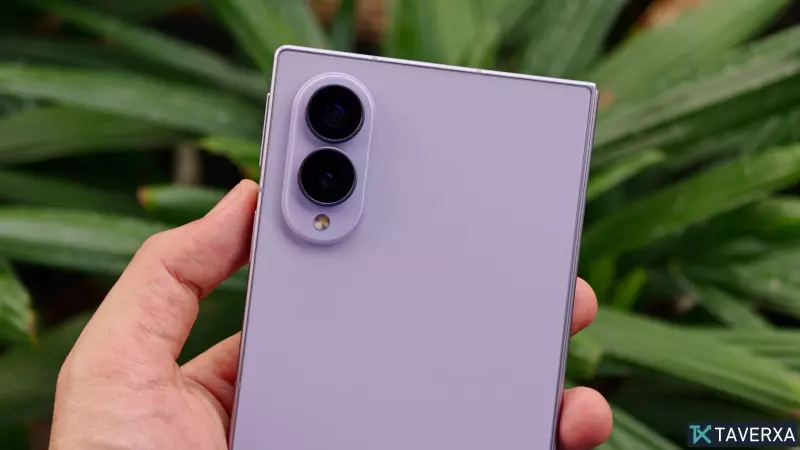
Capturing Perfect Concert Footage with AI
As a writer rather than a professional videographer, I have always struggled with the limitations of mobile phone videography, particularly when trying to record events like concerts or sporting matches. The persistent challenge of keeping a zoomed-in, moving subject perfectly framed has led to many shaky, unusable clips. However, Samsung’s latest innovation for the Galaxy Z Fold 8, the 'My FanCam' feature, promises to revolutionize how we capture those precious moments.
How My FanCam Works
My FanCam is a new Galaxy AI-powered tool designed to eliminate the anxiety of manual tracking. By leveraging advanced object recognition, the feature allows you to record your scene as you normally would, and then perform the complex tracking tasks after the fact. Once you have finished filming, you simply open the video in the Samsung Gallery app and access the Galaxy AI suite to select the My FanCam tool.
The AI then scans the recorded footage to detect individuals present in the frame. You are presented with touch targets corresponding to each person identified, allowing you to select your primary subject. From there, the AI generates a brand-new, polished video clip that keeps your chosen subject perfectly centered and in focus throughout the duration of the shot.
A Flexible Editing Experience
Beyond its tracking capabilities, My FanCam offers significant flexibility in terms of composition. You can select various aspect ratios, such as 9:16 for vertical social media content, 1:1 for square formats, or standard 3:4. The processing is remarkably fast, typically completing within seconds depending on the length of your footage. Furthermore, the feature works on older videos already stored in your gallery, meaning it is not restricted to content shot exclusively with the Z Fold 8.
Room for Improvement
While the functionality is impressive and makes filming much less stressful, it is not without its limitations. Currently, the feature is exclusive to the Galaxy Z8 series. Additionally, because it relies on cropping into the frame to maintain focus on a subject, lower-resolution sensors can result in slightly pixelated output. A potential future enhancement would involve using generative AI to sharpen and upscale these cropped, zoomed-in areas to maintain visual fidelity. Despite this, the convenience of being able to 're-film' or re-frame a shot after the event is a massive upgrade for everyday users.


