Unlocking Hidden Potential: 9 Advanced Claude Code Features You Need to Master
Explore nine hidden and advanced features of Claude Code that can streamline your development process, automate workflows, and improve your productivity as a software engineer.
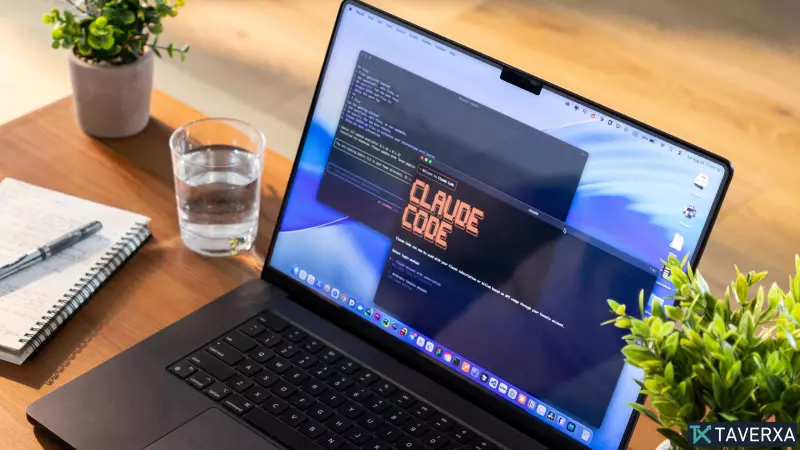
Introduction to Claude Code Power
Claude Code has rapidly evolved from a standard AI chatbot into a powerful development environment capable of building applications from the ground up, debugging complex repositories, and automating repetitive coding workflows. While many developers are familiar with the basics, there are hidden, high-level features that can significantly amplify your productivity. This guide dives into nine advanced capabilities that are currently underutilized by most users.
1. Establishing Permanent Project Context with CLAUDE.md
Rather than repeating your project requirements in every chat session, you can utilize a CLAUDE.md file in your root directory. This serves as a persistent configuration manual. You can define your tech stack (e.g., TypeScript, Tailwind, PostgreSQL), specify architectural constraints, and set naming conventions. Claude automatically reads this file on launch, ensuring consistent adherence to your standards without manual prompting.
2. Temporal Version Control with Checkpoints
One of the most anxiety-inducing parts of development is breaking working code. Claude Code offers a built-in checkpointing feature. By using the /rewind command, you can visually navigate through your session history and revert to a specific state, effectively time-traveling through your development mistakes.
3. Workflow Automation via Custom 'Skills'
Moving beyond simple commands, Claude Code supports custom 'Skills.' You can define complex, recurring workflows—such as data formatting, documentation generation, or boilerplate setup—and save them as reusable scripts. Once a skill is taught, it acts as a permanent shortcut for your most time-consuming tasks.
4. Scaling Tasks with Autonomous Subagents
To handle massive, multi-step refactoring jobs, Claude Code can dynamically spin up specialized AI subagents. These agents can operate in parallel, with one reviewing code, another writing logic, and a third generating unit tests, allowing you to manage complex projects without drowning in individual chat threads.
5. Integrating External Data with MCP
The Model Context Protocol (MCP) is a game-changer for AI development. It allows Claude to bridge the gap between its internal logic and external infrastructure. By connecting MCP to your GitHub repos, databases, or enterprise tools, Claude can retrieve live, relevant data directly into your workspace.
6. Automating with Headless Mode
For power users, 'Headless Mode' enables Claude to run as a background process. This is ideal for automated tasks like midnight code audits, generating daily release notes, or running documentation updates without human intervention, effectively turning the AI into a 24/7 digital team member.
7. Efficient Workflow with Built-in Slash Commands
Instead of crafting verbose prompts, leverage built-in slash commands. The /bugfix command scans for errors, /review initiates a deep-dive analysis, and /test automates the generation and execution of test suites. These are designed to keep you in a state of flow.
8. Guardrails through Hooks
Hooks act as automated security measures. By configuring them, you can force Claude to run specific actions—such as a test suite or a formatter—every time a file is saved or before a Git commit is pushed. This is an excellent way to maintain code quality automatically.
9. Persistent Session History
Closing your terminal at night no longer means losing your train of thought. Claude Code preserves deep conversation history across sessions. When you return the next day, the AI retains the context, variables, and logic from where you left off, allowing for an immediate resumption of work.
Conclusion
Claude Code is far more than a simple chatbot; it is a sophisticated development partner. By integrating these nine features into your daily routine, you can move away from manual task management and into a highly autonomous, efficient coding workflow.