Nintendo Switch Online Expands Retro Library: 4 New Classic Games Join the Catalog
Nintendo expands the Nintendo Switch Online library with 4 new classic games, including Wario Land and Dr. Mario. Learn how to download them today!
A Nostalgic Boost for Nintendo Switch Online Subscribers
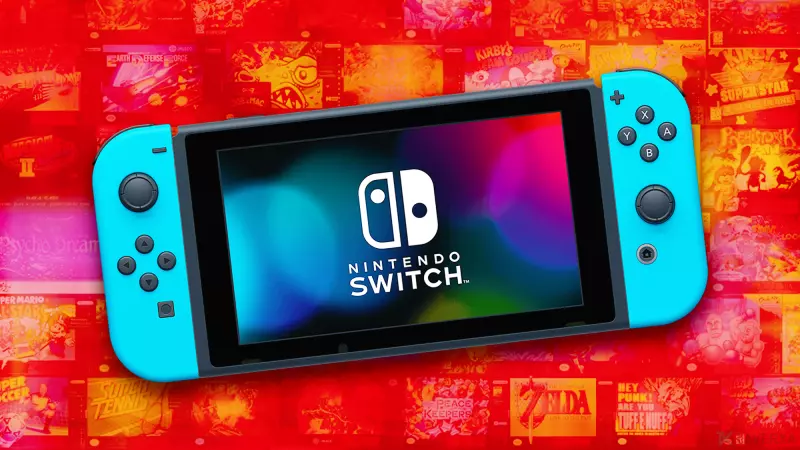
Nintendo continues to strengthen its subscription value proposition by expanding the library of retro titles available through the Nintendo Switch Online (NSO) service. For July 2026, the company is leaning heavily into its handheld legacy, bringing a curated selection of Game Boy classics to modern screens. These additions allow gamers to rediscover the charm of 8-bit and 16-bit gaming on their Nintendo Switch or the newer Switch 2 hardware.
New Game Boy Additions for All Subscribers
In a win for those on the standard subscription tier, Nintendo has added three distinct Game Boy titles that are accessible to all NSO members. This move ensures that the core community can enjoy a diverse range of genres, from platforming to RPGs.
- Wario Land: Super Mario Land 3: This title puts the spotlight on Nintendo's most eccentric antagonist. Players can enjoy a quirky take on the platforming formula, featuring Wario's unique mechanics and chaotic energy.
- The Sword of Hope: For fans of old-school storytelling, this 1991 RPG brings a classic fantasy atmosphere to the Switch. It adapts the tabletop role-playing experience of the 90s into a compelling text-driven adventure.
- Fortified Zone: Adding a layer of rarity to the collection, this shooter was never commercially released in Europe, making its availability on NSO a treat for collectors and enthusiasts looking to experience a piece of obscured gaming history.
Exclusive Content for the Expansion Pack
Subscribers who have invested in the higher-tier NSO + Expansion Pack (Pack additionnel) are receiving an even more substantial treat. This group gains access to Dr. Mario & Puzzle League. These two legendary puzzle-solving titles have been bundled together, offering hours of mental stimulation and strategic gameplay in a single package.
How to Access and Download the New Classics
Getting these games onto your device is a straightforward process. Whether you are using a standard Nintendo Switch or the Switch 2, follow these steps to start playing:
- Power on your console and navigate to the home screen.
- Select the Nintendo Switch Online application icon located at the bottom of the screen.
- Navigate to the "Nintendo Classics" section.
- Choose the specific console emulator (e.g., Game Boy or GBA) that corresponds to the game you want to play.
- Click on the console image to download the application. Once installed, you can browse and launch the individual games directly from the application's catalog.
With these additions, Nintendo continues to bridge the gap between gaming's golden era and the modern age, ensuring that the legacy of the Game Boy lives on for a new generation of players.