Unlock Your Apple Watch: 5 Hidden Features to Enhance Your Daily Experience
Discover five hidden, underutilized features on your Apple Watch, from hearing protection to remote camera control, that will help you get more out of your wearable.
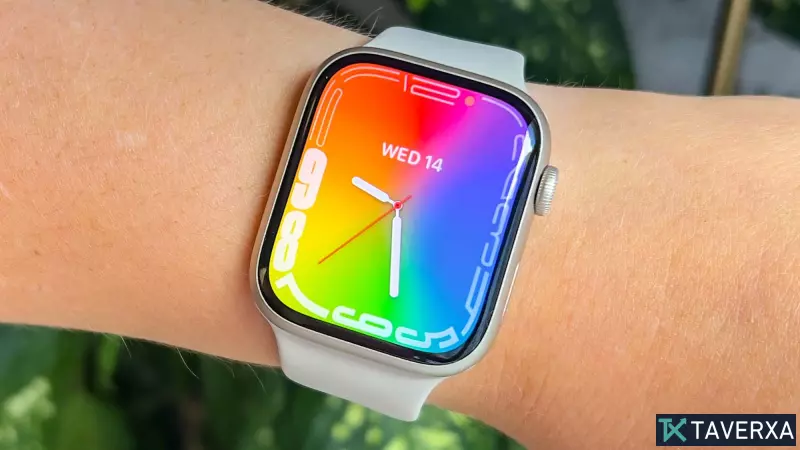
Most users rely on their Apple Watch primarily for tracking fitness metrics and managing incoming notifications. However, watchOS is packed with sophisticated, underutilized tools that can significantly elevate your daily efficiency, health monitoring, and even creative output. By diving into the settings, you can transform your wearable from a basic companion into a versatile powerhouse. Here are five features you should start using today to get the most out of your device.
1. Advanced Hearing Protection
Often overlooked, the Noise app serves as a vital tool for long-term health. It operates silently in the background, monitoring ambient decibel levels. To activate this, navigate to Settings > Noise and toggle on 'Measure Sounds.' You can configure custom notifications, ensuring your watch alerts you before environmental noise reaches levels that could damage your hearing. It is an essential safeguard for anyone frequently exposed to high-decibel environments.
2. Instant Communication with Walkie-Talkie
While frequently dismissed as a gimmick, the Walkie-Talkie app is an incredibly efficient way to stay in touch with friends and family. It enables a real-time, push-to-talk audio connection over Wi-Fi or cellular networks. Simply send an invite from the app, wait for acceptance, and press the talk button to speak directly from your wrist. If you do not see the icon, ensure the feature is enabled in your watch's Accessibility settings.
3. Proactive Heart Monitoring via ECG
Since the introduction of the Series 4, the Apple Watch has included a powerful medical-grade tool: the ECG app. It can detect signs of atrial fibrillation, a critical health indicator. To perform an assessment, sit comfortably, rest your arm on a stable surface, and open the ECG app. By placing your finger on the Digital Crown for 30 seconds, the watch records your heart rhythm, creating a PDF report you can easily share with your physician.
4. Unleashing the Hidden Web Browser
Did you know your Apple Watch has a fully functional web browser hidden away? If you need to perform a quick search without reaching for your phone, open the Messages app and send yourself a link to a website (e.g., 'google.com'). Tapping the link opens a browser view where you can navigate the web. You can even toggle between Reader View and a standard view by tapping the address bar at the top of the screen.
5. Hands-Free Camera Control
The 'Double Tap' gesture is one of the most convenient additions to modern watchOS, but it truly shines as a remote camera shutter. Prop your iPhone up to frame your shot, open the Camera Remote app on your watch, and simply pinch your thumb and index finger together twice. This hidden shutter release is perfect for group photos or long-exposure shots, allowing you to capture the perfect image without needing to rush to beat a timer.