How to Download the iPadOS 27 Public Beta Right Now
Want to try the new features early? Here is a step-by-step guide on how to download and install the iPadOS 27 public beta on your compatible iPad today.
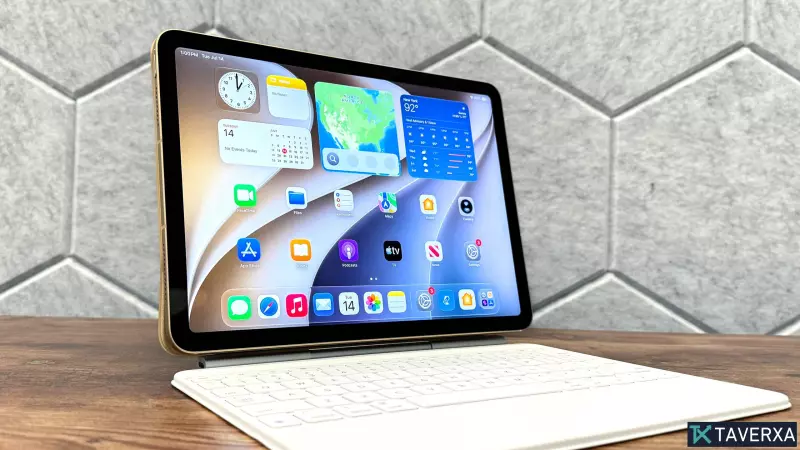
Apple has officially released the iPadOS 27 public beta, giving enthusiasts and early adopters a chance to experience the latest features before the full public release this fall. While not a massive overhaul, this update focuses heavily on AI integration, aiming to provide a more personalized and streamlined experience for iPad users.
What's New in iPadOS 27?
The star of the show is the redesigned, AI-powered Siri. This new version of the assistant is context-aware, meaning it can better understand the content currently displayed on your screen. Because it is deeply integrated into the operating system, it can now manage and control apps directly, allowing for more fluid interactions. Other notable updates include enhanced child safety features, improved readability for the Liquid Glass display technology, and a suite of powerful new photo-editing tools.
Important Pre-Installation Tips
Before jumping into the beta, remember that public betas can contain bugs that might impact your device's stability. It is essential to perform a full backup of your iPad so you can easily revert to your current stable version, such as iPadOS 26, if you encounter any major issues.
How to Enroll and Install
- Backup Your Data: Always use iCloud or a local backup to ensure your data is safe.
- Register for the Beta: Visit the Apple Developer portal. Even if you aren't a professional developer, you can sign up for the free tier by selecting 'Individual' when prompted for an entity type.
- Check for Updates: On your iPad, navigate to Settings > General > Software Update.
- Enable Beta Updates: If the option isn't visible, tap 'Beta Updates' and select 'iPadOS 27 Public Beta' from the list.
- Install: Choose 'Update Now' or 'Update Tonight.' Your iPad will restart to complete the installation process.
Compatible Devices
Not all iPads will support the new update. Ensure your device is on the official list, which includes the latest iPad Pro (M4), iPad Air (M2 and newer), iPad (A16 and later), and iPad mini (A17 Pro).