Beyond the Hype: 3 Practical Siri AI Features You'll Actually Use Every Day
Tired of AI gimmicks? Here are three practical, productivity-boosting Siri AI features included in iOS 27 that you will actually use in your daily routine.
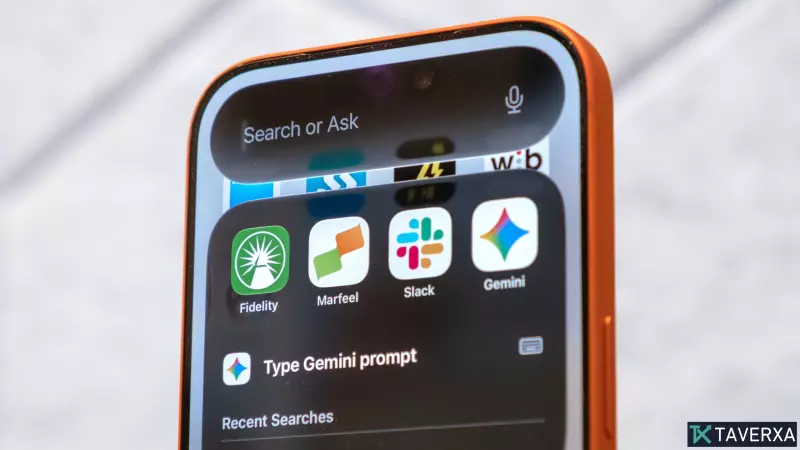
Apple has officially ushered in a new era for its voice assistant with the rollout of integrated AI capabilities in iOS 27. While AI can often feel like a buzzword filled with gimmicks that lose their luster after a few days, the latest iteration of Siri is refreshingly pragmatic. Rather than focusing solely on flashy, one-off parlor tricks, Apple’s new AI-powered assistant is designed to eliminate the 'micro-friction' that slows down our daily digital interactions. By leveraging advanced screen awareness and natural language processing, Siri has evolved from a basic command-line tool into a genuinely helpful digital sidekick. Here are the three most practical ways to harness these new features to reclaim your time.
1. Semantic Deep Search in Photos
One of the most persistent frustrations with smartphone photography is the endless scrolling required to locate a specific shot from years ago. With the new AI enhancements, Apple has completely revamped the search functionality in the Photos app. You are no longer restricted to searching by dates, locations, or basic object tags. Instead, you can use natural, conversational language to query your library. For instance, asking 'Siri, find pictures of me on a cruise ship' allows the AI to parse the visual context of your images and extract the exact memories you are looking for. This semantic search capability turns an overwhelming digital mountain into a highly organized, searchable archive.
2. Contextual Screen Awareness
Perhaps the most impressive leap forward is Siri's ability to 'see' what is currently on your display. In previous versions, Siri operated in a vacuum, unaware of your active app or workflow. Now, it can interpret the content of a social media post, a webpage, or a document in real time. If you are browsing Instagram and want to save a caption, you can simply activate Siri and command: 'Copy the caption from this post.' The AI identifies the text block, isolates it from the surrounding UI elements, and copies it to your clipboard. This eliminates the tedious process of taking screenshots or manually highlighting text in restrictive environments.
3. Automated Calendar Integration
Managing a busy schedule often feels like a constant battle against inputting data. Whether you are dealing with email invites or event details buried in a message, manually entering these into a calendar is a time-consuming chore. Siri now acts as a bridge between your communication apps and your calendar. By simply saying 'Copy this event to my calendar' while viewing a message, the assistant analyzes the text for dates, times, and event titles, then populates your calendar accordingly. This automation makes the process of scheduling seamless, removing the human error and effort that usually accompany manual data entry.
Getting Started
To take advantage of these efficiency-boosting features, ensure your device is running the latest iOS 27 beta or public release. These tools are exclusive to devices equipped with advanced neural processing hardware, specifically the iPhone 15 Pro, 15 Pro Max, and the full iPhone 16 and 17 series. As these features become more integrated into daily workflows, the distinction between 'useful' AI and 'novelty' AI is becoming clearer, with Apple prioritizing the kind of silent efficiency that actually changes how we use our phones.